
How It Works
Create, prepare, publish and measure
SkyyCast is a set of content creation and social publishing tools for creators. Free tools help you prepare your content; the SkyyCast workspace then schedules it, publishes it and shows how it performed. Bluesky publishing is supported today. Here's what actually happens when you use both.
Create
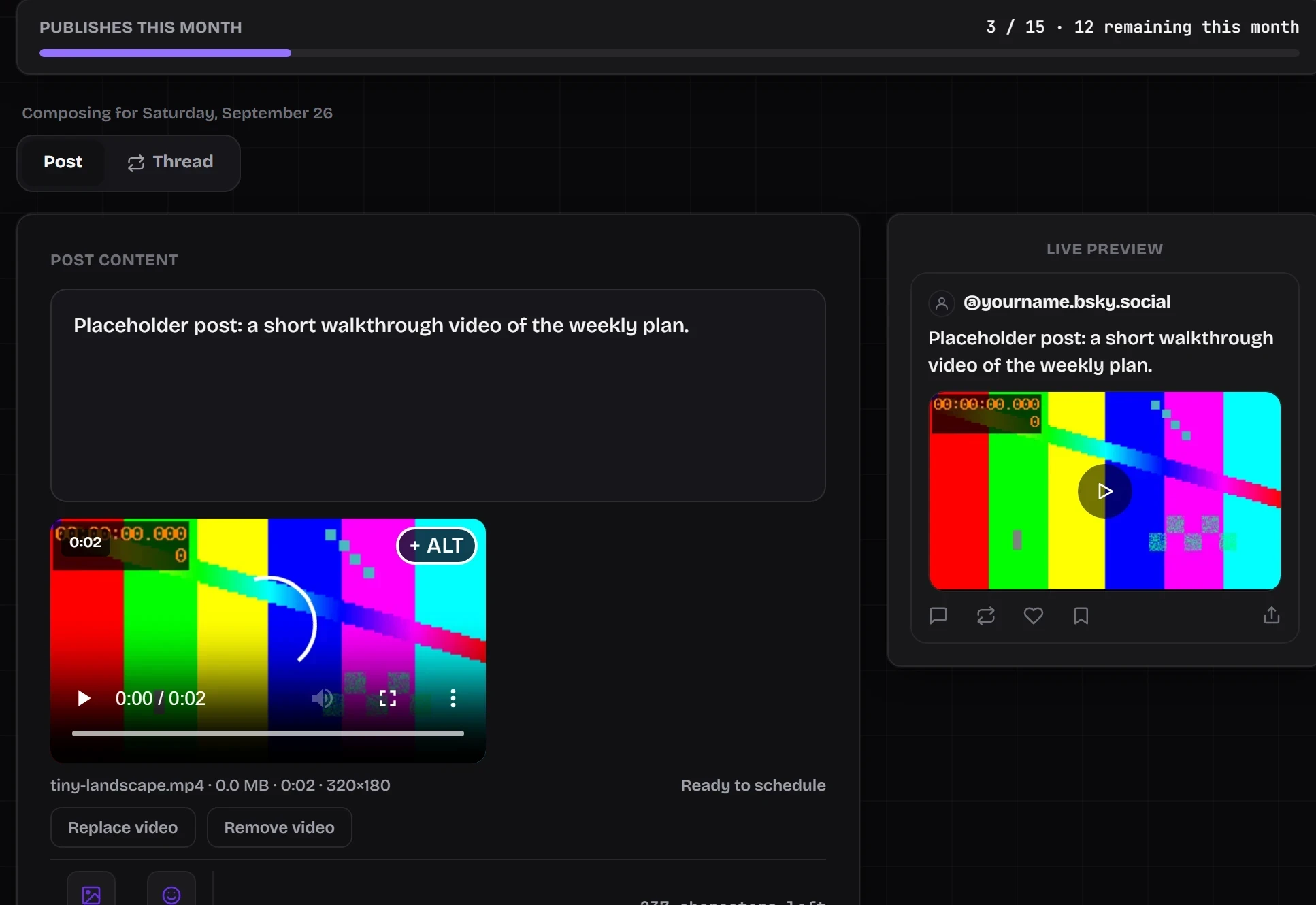
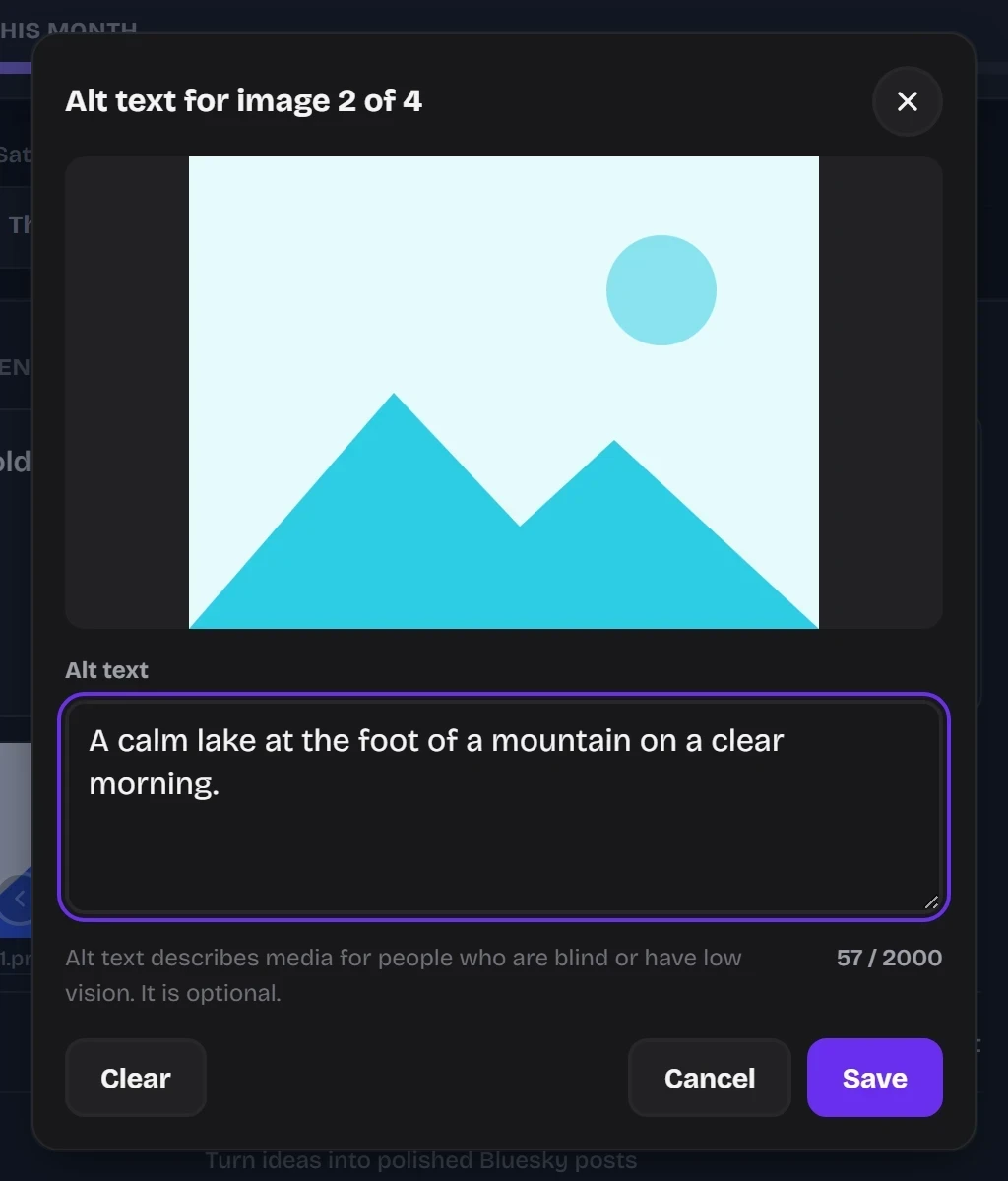
Write your post inside SkyyCast's composer, with a live preview. Draft your text and attach up to four images, or one MP4 video, before deciding when it should go out. If you connected Bluesky before video support was added, the composer asks you to reconnect once so Bluesky can grant the permission video needs.
Prepare (free tools, no account)
Paste your post into the Bluesky Post Checker and add any images, a video or a link. It checks them against Bluesky's current limits and shows each result as a pass, a warning, a fail, or “not checked” when it can't verify something. Each problem links to a free tool that fixes it: compress an image to a target size, resize it, convert its format, check a link's preview or complete its campaign tags. The free tools run in your browser, so your post and files are not uploaded, and they are separate from the SkyyCast workspace: you can use them without ever signing up. See all of them in the Tools section.
Publish
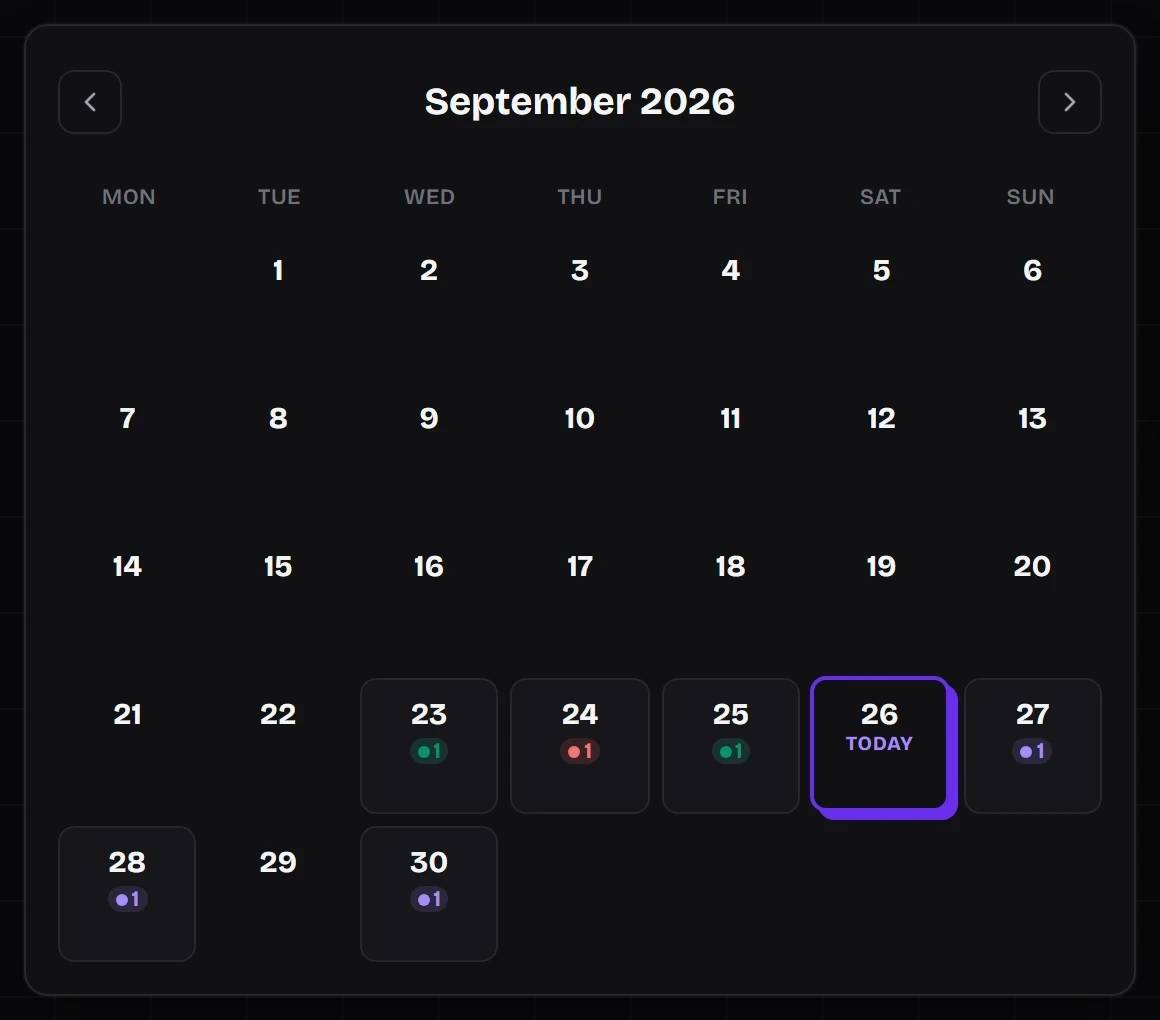
Pick the date and time you want the post to go out, and SkyyCast holds it for you instead of requiring you to post it live in the moment. Every scheduled post lives in your queue, where you can review, edit, reschedule, or remove it any time before it goes live. When the scheduled time arrives, SkyyCast publishes it to your connected Bluesky account automatically, so you don't have to be online to hit send.
Measure
After a post goes live, SkyyCast tracks how it performs and brings the results back into your dashboard, so you can see what happened without checking Bluesky directly. With performance data collected over time, you can look back at what worked and use that to inform what and when you post next.
What it looks like
Screenshots of the SkyyCast workspace. The posts, images and video in them are placeholders used for testing, not real accounts.
Want more on scheduling and planning?
The SkyyCast guides cover scheduling Bluesky posts, building a content calendar and preparing images and links before you publish.
Ready to publish your next post?
Connect your Bluesky account and start scheduling in minutes.
Get Started